
Everyday Tech
Choosing Headphones for Everyday Use
Fit, noise control and battery matter more in daily life than most spec-sheet lines. A guide to choosing by where you wear them, with a plain-English look at codecs and safe listening.

A Bluetooth tracker has no GPS and no mobile connection of its own. Here is how finding networks locate a lost item, where they fall short, and how unknown-tracker alerts work.
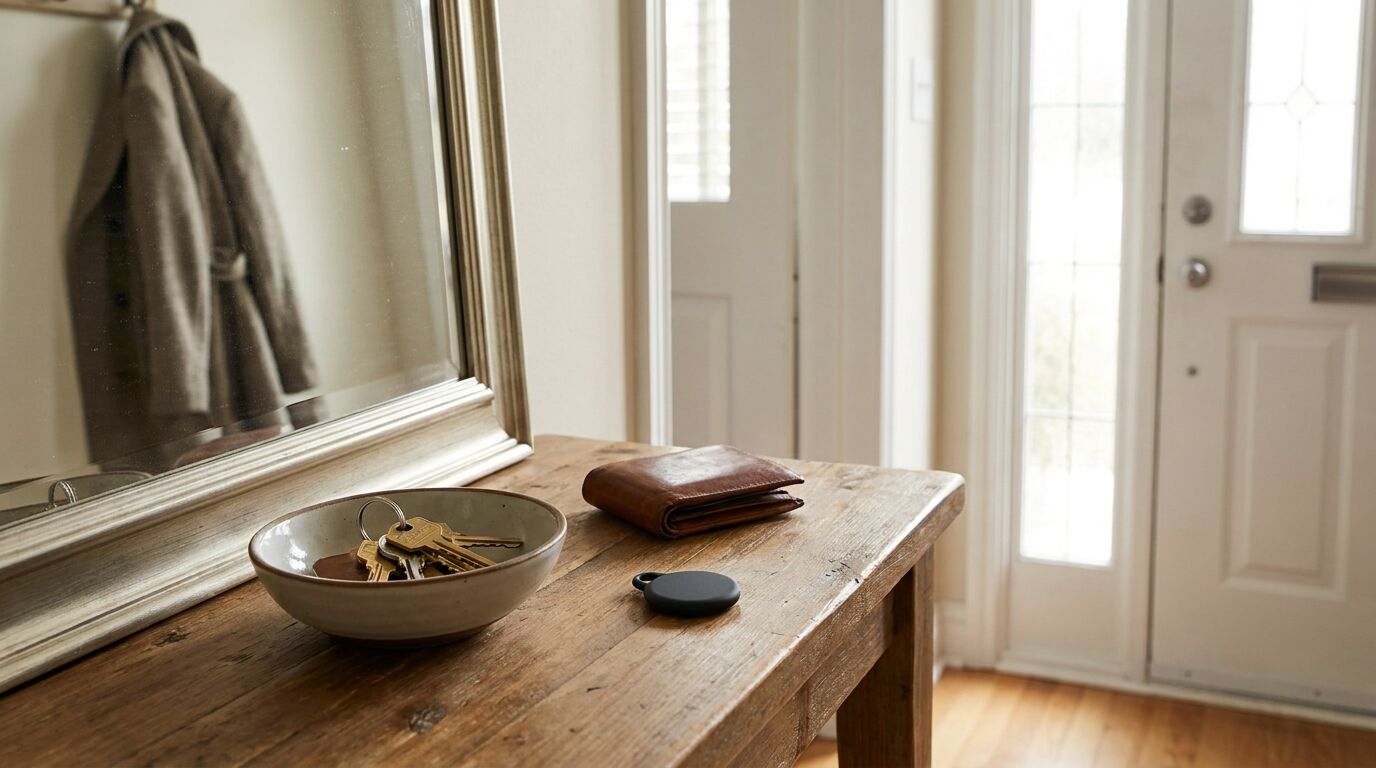
A Bluetooth tracker is a small battery-powered tag that sends out a short-range radio signal. It has no GPS receiver and no mobile connection of its own. That explains why it can be so small, and also why it cannot do everything the product photography implies. Almost everything useful it does depends on a phone being nearby.
There are two quite different situations. In the first, the item is close and your own phone connects to it directly over Bluetooth. You can make the tag sound, and on phones with Ultra Wideband radio some systems can also show a direction; Apple, for example, describes this as Precision Finding for supported iPhones. No network is involved, which is why the keys-in-the-sofa problem is the one trackers solve most reliably.
The second situation is the item that is somewhere else. Here the tag relies on a crowdsourced finding network. Apple’s platform-security documentation describes the principle for offline Apple devices: the device broadcasts a short-lived key over Bluetooth, a nearby Apple device with offline finding enabled encrypts its own location using that key and uploads it, and only the owner can decrypt the result. Apple says the broadcast key changes roughly every 15 minutes so that a fixed identifier cannot be used to follow the device. That page covers iPhone, iPad and Mac rather than accessories specifically, so check the accessory maker’s documentation for its exact behaviour.
Google describes a similar design for its Find Hub network. Participating Android phones scan for nearby tags and send the place they detected them, end-to-end encrypted with a key only the owner can use. Google says it does not learn who the reporting phone belongs to. By default in busy places the network waits until several phones have detected the item and shows the owner a location calculated from those reports; an optional wider setting can share a single phone’s report, which may help in remote areas.
| Situation | What to expect |
|---|---|
| Keys lost somewhere in your home | Usually solved by making the tag sound from your phone. No finding network is needed. |
| Bag left on a busy train or in a city centre | A last-seen location may appear if enough participating phones pass nearby. It is not guaranteed and it is not live. |
| Item left in a remote area | Updates depend on a participating phone coming within Bluetooth range, so reports may be late, old or absent. |
| Item inside a metal box, vehicle boot or shielded pouch | Radio signals may be weakened or blocked, which can delay or prevent reports. |
| Following a moving vehicle in real time | Not what the technology provides. A location arrives only when a phone happens to detect the tag. |
| Tag from a different ecosystem than your phone | Phones that do not take part in that tag’s network will not report it, so check before buying. |
| Recovering a stolen item | A location is a lead, not a guarantee. If you think something was stolen, contact the police rather than going to the spot alone. |
A tracker is designed around one network. Apple’s Find My accessories report through Apple devices. Tags that are compatible with Google’s Find Hub network report through Android phones, and Google notes that its network needs Android 9 or later, with Location and Bluetooth on. To get help from the network the owner’s own phone must have a PIN, pattern or password set. Some earbuds and their cases also join these networks; Apple’s alert page lists AirPods and certain charging cases as items that can trigger unwanted-tracking alerts, which is one more thing to weigh when choosing headphones.
Anything small enough to hide in a pocket is small enough to be slipped into someone’s bag. Both major platforms therefore include protections, and it is worth knowing how they behave, including where they stop.
Apple says an alert appears when an item separated from its owner is seen moving with you over time; the message names an AirTag or other Find My accessory. Setup needs a recent iOS or iPadOS (17.5 or later for compatible Bluetooth trackers), Bluetooth on, Airplane Mode off and tracking notifications allowed. From the alert you can make the item play a sound, and Find My can show a map of where it was detected near you. A separated tag may also sound by itself after a while away from its owner.
Google says phones on Android 6 or later can warn you about an unknown tracker moving with you, including Find Hub-compatible tags, some headphones and Apple’s AirTags. You can also scan on demand from the unknown-tracker alerts section of the Safety and Emergency settings; Google says a scan takes about ten seconds. You get at most one alert per tracker per day, and alerts are deleted after 48 hours. Apple additionally points Android users to its Tracker Detect app on Google Play, which it says can play a sound if it finds an AirTag or compatible tracker nearby for at least ten minutes.
The wider industry is working on a shared approach. The IETF’s Detecting Unwanted Location Trackers working group describes its aim as a standard protocol so that any device, not only those from one vendor, can detect an unwanted tracker and help locate it. Its charter set milestones for 2025, and this article did not confirm whether the resulting documents have been published, so treat cross-brand detection as a work in progress.
Trackers are a good fit for everyday losses in places with plenty of people and phones. Treat them as a way to improve your chances, not to guarantee an outcome, and you will not be let down. For other small devices worth carrying, see the rest of our Everyday Tech coverage, and for a bag-packing view of the same ideas, compact travel gadgets worth packing.
How we research. Based on manufacturer documentation and the sources listed below. Know Your Gadget did not test products for this article. See our editorial policy.
Everyday Tech
Fit, noise control and battery matter more in daily life than most spec-sheet lines. A guide to choosing by where you wear them, with a plain-English look at codecs and safe listening.
Home Gadgets
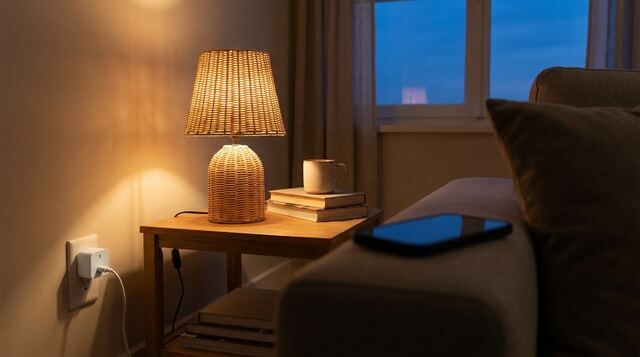
A smart plug adds remote and scheduled switching to anything with an ordinary plug. It is a handy low-effort upgrade, as long as you match it to the right appliance and set it up with security in mind.
Outdoor & Travel
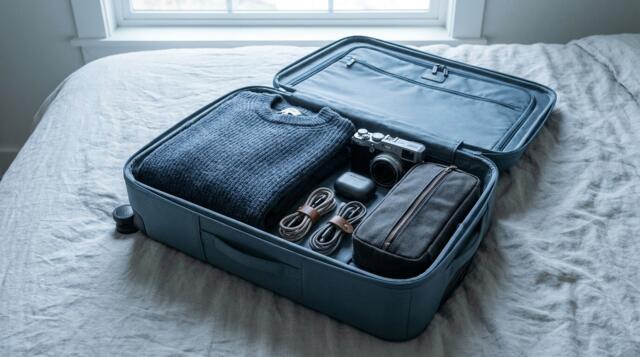
A short list of gadgets that earn their space in a carry-on, a second list of ones that often do not, and five questions for deciding about anything else.