
Home Gadgets
Choosing Better Lighting for Different Rooms
Rooms feel wrong either because the light is in the wrong place or because it is the wrong colour. This room-by-room guide covers lumens, colour temperature, layers and dimmers.

A smart plug adds remote and scheduled switching to anything with an ordinary plug. It is a handy low-effort upgrade, as long as you match it to the right appliance and set it up with security in mind.
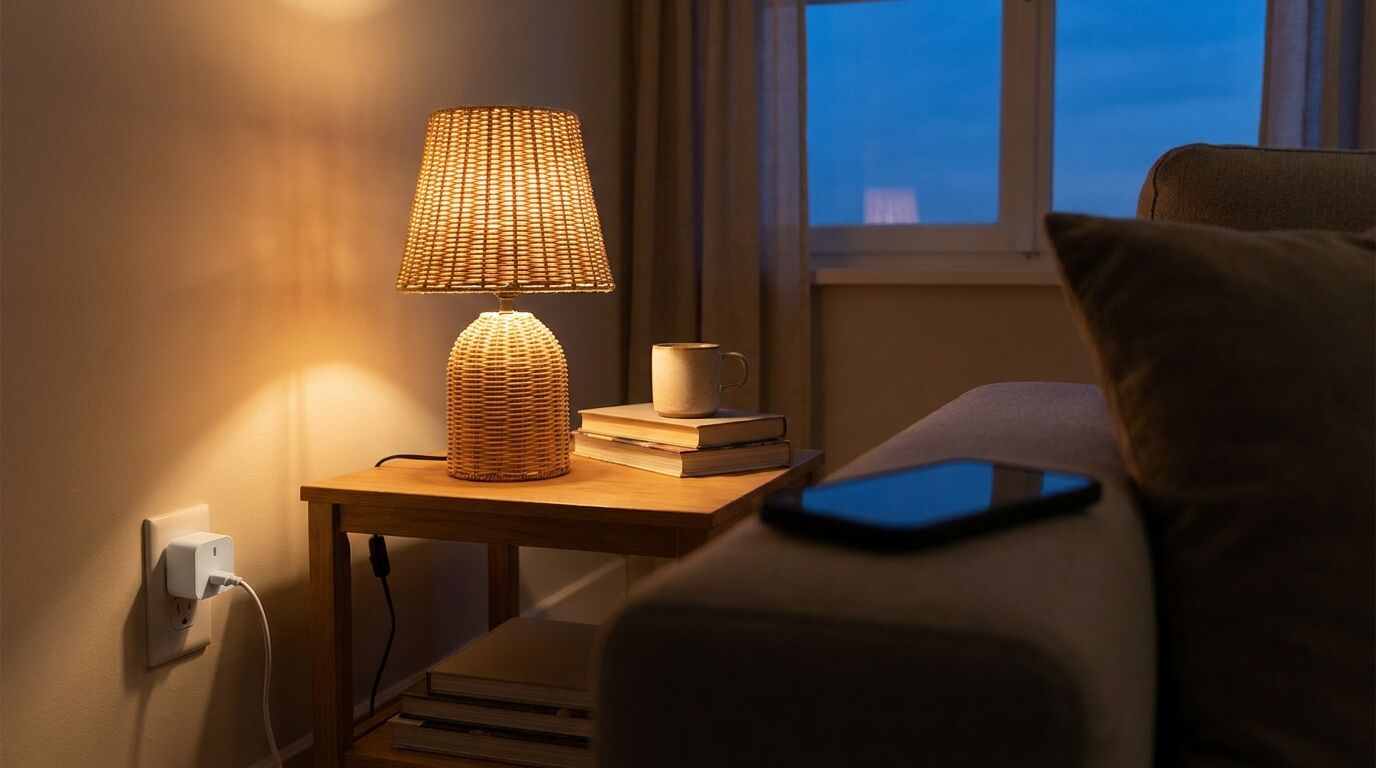
A smart plug sits between the outlet and an appliance and gives you a switch you can reach from a phone, a schedule or a voice assistant. That is all it does. It will not teach a lamp to dim or a fan to change speed; it cuts and restores mains power. Used for the right jobs, that is enough to be useful. Used for the wrong ones, such as an appliance that draws more than the plug is built for, it becomes a safety problem.
| Use | Why it works | What to watch for |
|---|---|---|
| Lamp on a schedule | Gives a lived-in look and a warm room on arrival | A lamp with its own touch dimmer may need to be switched on at the base again after power returns |
| Fairy lights and seasonal displays | Daily timer without remembering to switch off | Check the plug’s rating against the total load of the string |
| Devices you leave on standby | Cuts the standby draw of a TV or console area | Some devices lose settings or need a long start-up |
| Fans and low-power appliances | Remote on and off from another room | Only for appliances that start properly when power returns |
| Checking you switched something off | Look at the app rather than walking back | Only works if the appliance is on at its own switch |
Natural Resources Canada notes that standby power can account for 5 to 10% of a household electricity bill, and that network-enabled devices can draw as much in standby as when fully active. That cuts both ways: a plug can cut the standby draw of a TV and console, but a smart plug is itself a connected device that stays powered to listen for commands. A simple timer power bar, which NRCan also mentions, can do the same job for fewer complications.
Space heaters, kettles, toasters and similar heating appliances draw the most current, so they are where an under-rated smart plug is most likely to overheat. Treat them as a last resort for a smart plug rather than a first use, and read the maker’s guidance on both sides. Appliances that you would not want to run unattended should stay off a schedule altogether.
Electrical Safety First says to buy only from a reputable retailer or manufacturer, to avoid fake or substandard products. Look for the safety marking your region requires; Energy Safe Victoria, for example, says appliances in Australia must carry the regulatory compliance mark (RCM).
Avoid stacking adaptors or chaining extension leads. Electrical Safety First says never to plug one extension lead into another, and Energy Safe Victoria advises against piggybacking adaptors in favour of a power board with a built-in safety device.
Most Wi-Fi plugs join your home network through the maker’s app. Register the product so you can be reached about a safety recall, and keep the login details somewhere you can find them.
The UK’s National Cyber Security Centre (NCSC) advises changing any default password, using something hard to guess such as three random words, and turning on two-step verification if the app offers it.
The NCSC says to switch on automatic updates or install them when prompted. It also suggests switching off remote access if you never use the plug away from home.
Start with a lamp. Confirm the schedule works, then check what happens when power is cut and restored.
Matter is an open smart-home standard from the Connectivity Standards Alliance. It runs over Wi-Fi, Ethernet or Thread, with Bluetooth Low Energy used for setup, and it is meant to work with more than one smart-home platform. The Alliance describes it as a local connectivity technology. A Matter-only device needs an internet-connected controller at home, such as a smart speaker or hub, if you want to control it when you are away, though some devices also connect straight to the manufacturer’s cloud. Devices using other protocols, such as Zigbee or Z-Wave, can join through bridges.
Thread, the low-power network some Matter devices use, is described by the Thread Group as an open, IPv6-based protocol based on the IEEE 802.15.4 radio. For a plug the practical points are simple: a Wi-Fi plug needs only your router; a Thread plug may rely on a compatible hub or router elsewhere in your home; and a Matter label is the easiest way to see that two brands can work together. Check which of your existing devices support it before you buy.
Once the plug is working, it combines naturally with lighting. Better lighting for every room shows where a scheduled lamp earns its place, and if you are curious about other connected devices at home, Bluetooth trackers raise similar privacy and ecosystem questions. The rest of the Home Gadgets section covers more upgrades.
How we research. Based on manufacturer documentation and the sources listed below. Know Your Gadget did not test products for this article. See our editorial policy.
Home Gadgets
Rooms feel wrong either because the light is in the wrong place or because it is the wrong colour. This room-by-room guide covers lumens, colour temperature, layers and dimmers.
Everyday Tech
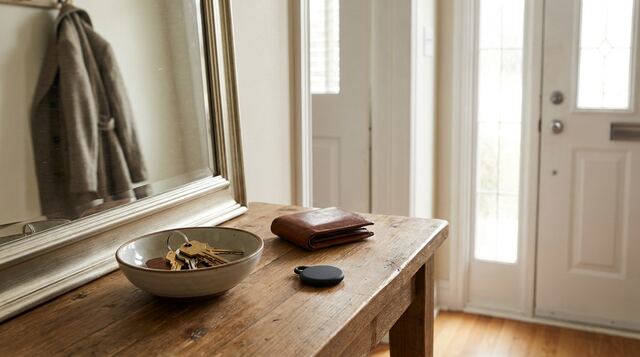
A Bluetooth tracker has no GPS and no mobile connection of its own. Here is how finding networks locate a lost item, where they fall short, and how unknown-tracker alerts work.
Kitchen & Lifestyle
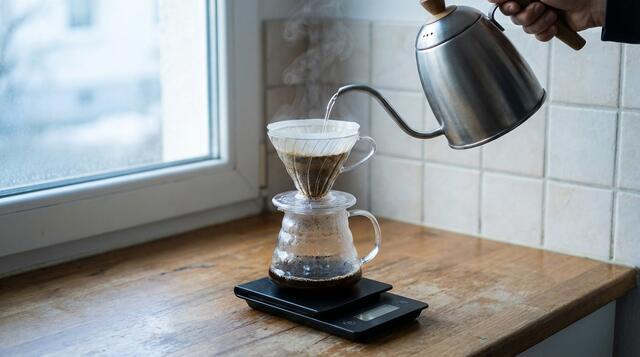
Kettles, scales, grinders, brewers and milk tools, sorted by the kind of morning you actually have rather than by price tier or hype.